Why this exists
Preview shows the first page and then only two pages. Browsers wrap your music in toolbars. Score apps live on a nine-inch tablet clipped to a wobbling stand, while a sixty-five-inch screen hangs on the rehearsal-room wall, showing nothing. The few readers that reach the Mac were designed for iPad first and ported over, thumb-sized touch chrome and all.
You own a foot pedal. You own the biggest music stand in the building. In 2026, no Mac app would just show the score.
So we wrote one. Then the rest of the band asked where their pages were.
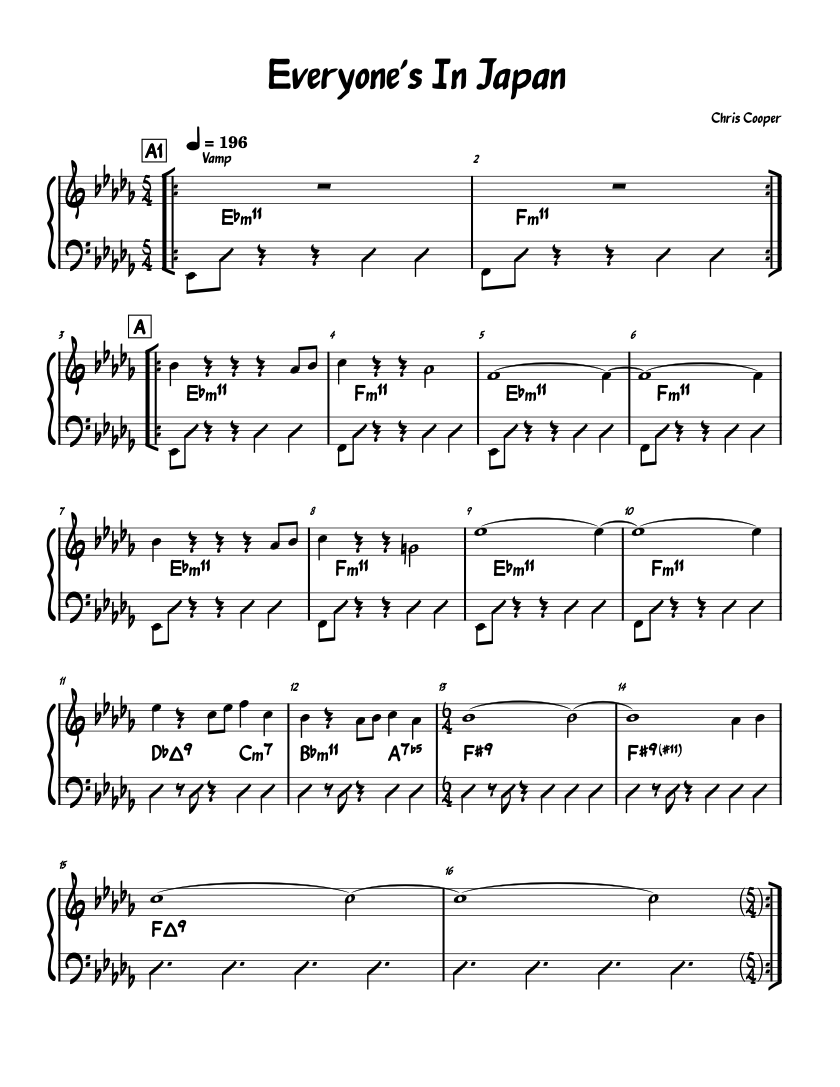
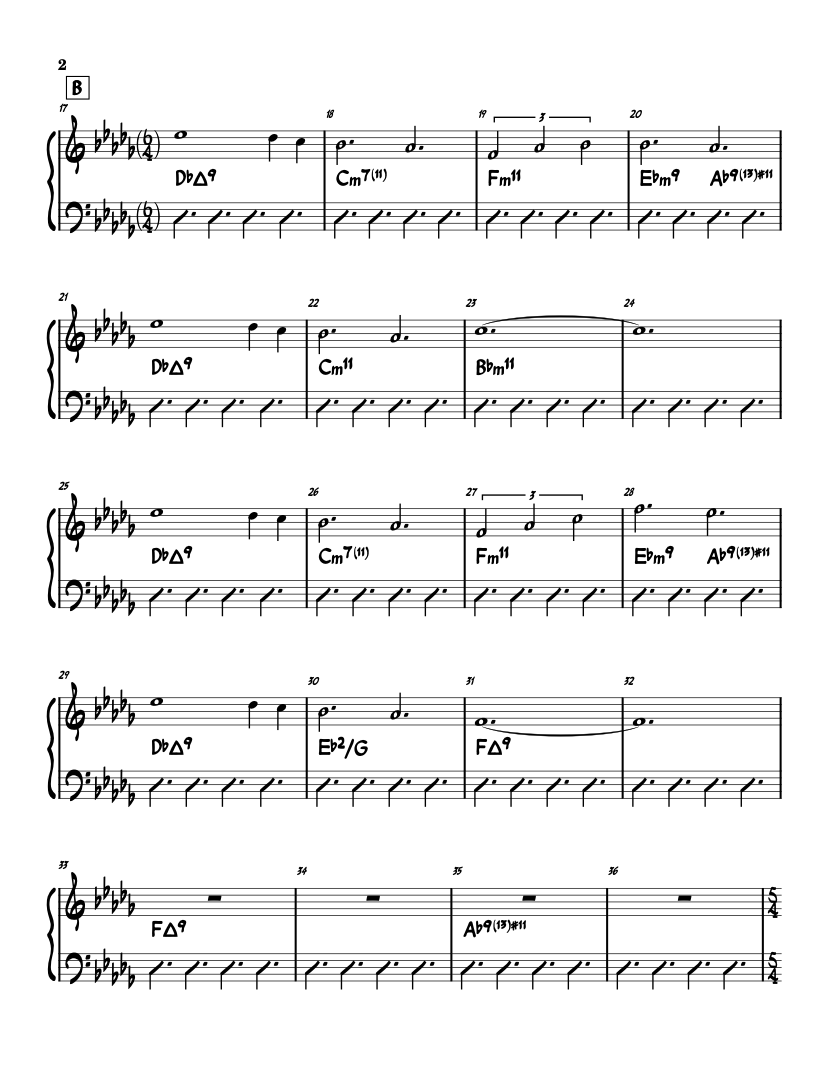
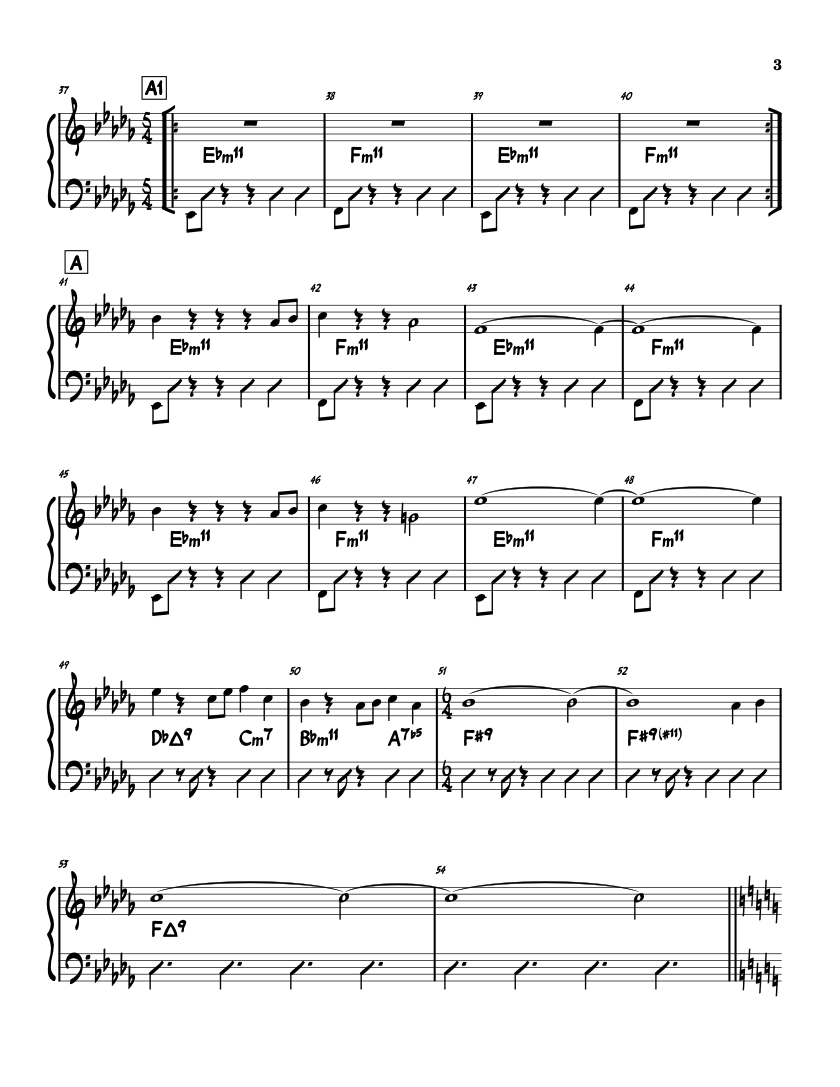
WhatThePDF renders your PDF edge to edge in true macOS full screen: no toolbars, no scrollbars, no cursor. A pedal tap glides the music exactly one page. And every phone, tablet, and laptop in the room can follow along live. That's the whole app. That's the point.
Band mode
Every player follows. Nothing to install.
- Start the show. ⌘B puts a QR code on the screen. Your Mac is the host: no cloud, no account, nothing leaves the room.
- The band scans it. Any phone, tablet, or laptop browser. Type your name once, tap "I'm in". The screen stays awake and the pages follow the pedal in real time. (iPhone and iPad can skip the QR entirely — see the Player app below.)
- Ink and highlighter lands everywhere. Circle bar 32 on the Mac, or on an iPad over Sidecar, and every player watches the pen move, mid-stroke. Layers, stamps, and cuts arrive exactly as the big screen shows them.
- The WiFi can die. Players quietly cache the whole book after joining ("show cached ✓"). If the network drops mid-set they keep every page, turn manually, and snap back to the host the moment it returns.
Works on venue WiFi, a phone hotspot, or a $30 travel router with no internet at all: band mode is pure LAN. One license serves the whole band; connecting to the service is always free.
The Player app
Free on iPhone and iPad. Finds the Mac by itself.
The browser player isn't going anywhere — zero-install is the whole point when a guest sits in. But for the stands that live in your room, the free WhatThePDF Player goes further:
- No QR, no address. The Player sees the Mac announce itself on the network and lists it by name. Tap it, type your name once, you're in.
- True full screen. No toolbar, no status bar, no browser chrome — the chart is the whole glass, and the screen stays awake for the whole show.
- No network at all? Still a show. Mac and Player can find each other peer-to-peer, no router required. A parking-lot gig with zero infrastructure still gets live page turns.
- The book rides along. Pages cache on the device, chart by chart. A dropout mid-set means manual turns from the cache and an automatic snap back to the leader when the room returns.
Same manners as the browser player: your name is your presence, live ink lands mid-stroke, blackout respects a peek. Read-only in this release — players that talk back are next. Coming to the App Store, free.
What ships today
Small app. Stage manners.
One tap, one page
Any pedal that types a key works with zero setup. Native MIDI pedals get learn mode, debounce, and auto-reconnect. Key-repeat is ignored on purpose: a held pedal can never runaway through your chart.
The strip
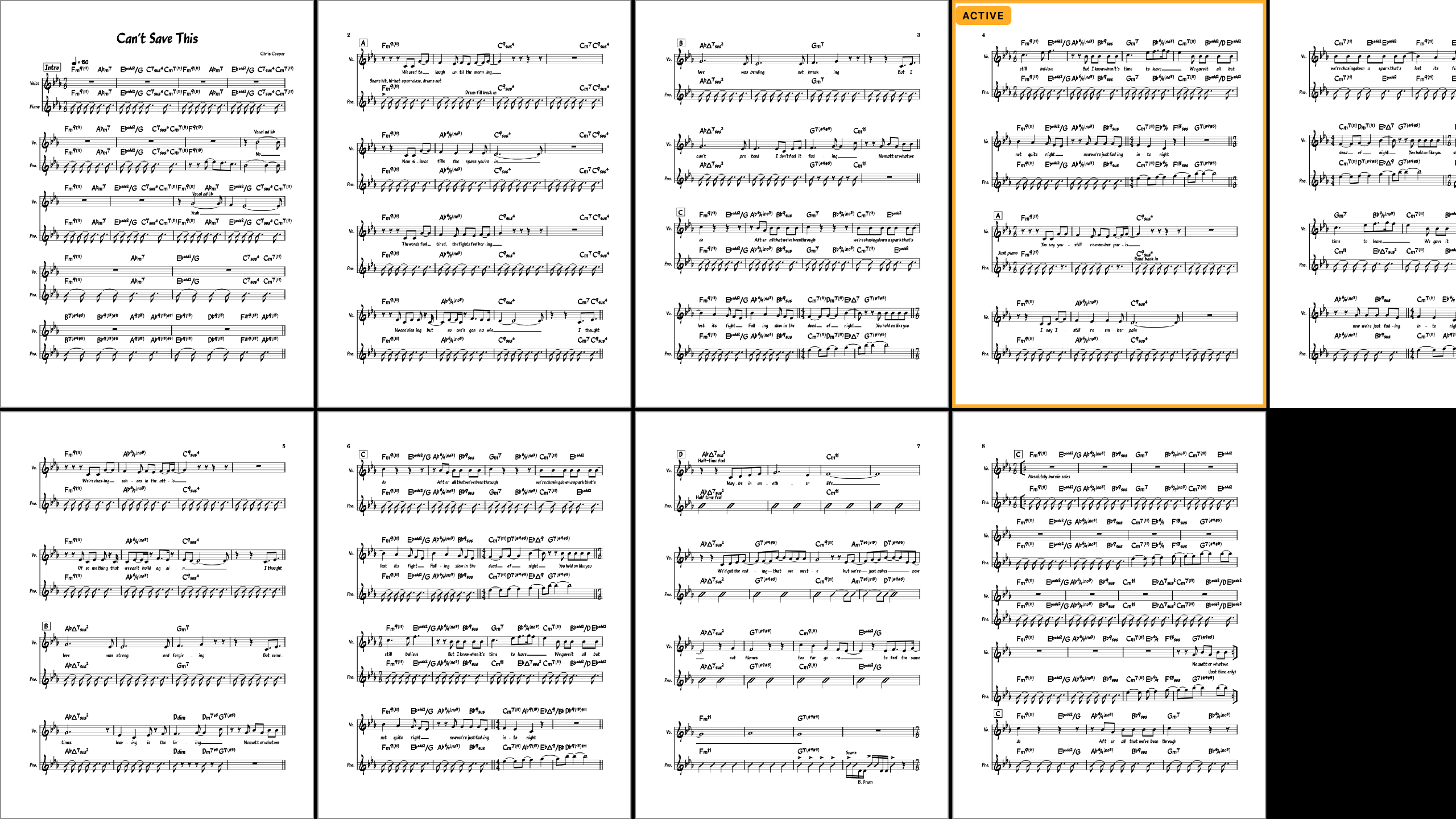
Pages flow left to right the way music does, scaled to fill the screen's height. Whole-page or half-page turns with adjustable overlap — the turn never surprises you.
Setlists that survive you
Open several PDFs and the night's book exists. Every change autosaves; relaunch the app and the set is exactly where you left it. At the end of a song the same pedal tap hands off to the next chart instantly, because it's already loaded.
It reads the chart before you do
Coda, Segno, D.S., Fine are found automatically, even in scans, and pinned to the number keys. 2 and you're at the Coda, with a small pill telling you where you landed. Confirmed repeats compile into performance routes: the pedal follows the road map, not the page order.
Ink that never touches the PDF
Pen, highlighter, fingerings, dynamics, cut marks with Apple Pencil pressure over Sidecar. Everything lives in named layers and versions beside the file, never in it. Scribble a segno and handwriting recognition swaps in the real symbol.
Smart margin crop
Scanned charts arrive drowning in white space. One key trims every page to the music, consistently, without touching the file.
Real notation, really editable
When a chart has MusicXML behind it, edit actual notes: pitches, lyrics, transposition, and part extraction with an audition player to hear the line before you print it.
An operator's console
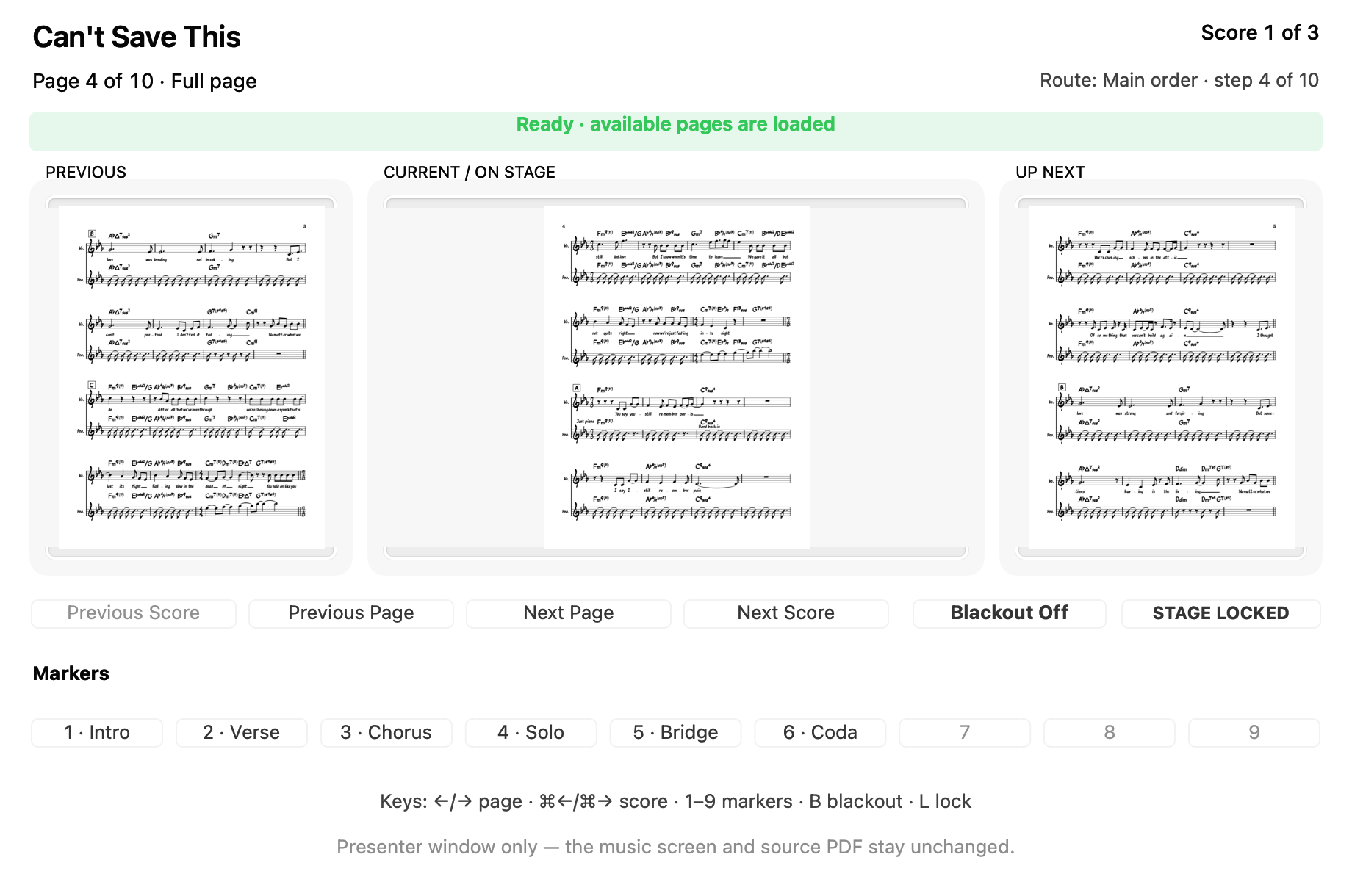
A second window for the person running the show: current and next page previews, including the next song's first page at a boundary, markers, route position, blackout and lock, without touching the TV.
Stage safety, everywhere
The display never sleeps mid-tune, on the Mac or on the player's devices. Blackout for intermission with x. Performance lock with l: nothing on stage can quit, scroll, or surprise you. Everything reopens exactly where you left it.
Built for the big screen
Open a chart from Finder — or drop the night's book on the app — and the music goes straight to the TV, edge to edge, while your Mac stays yours. It remembers which screen is the music screen. Native, tiny, and your PDFs never leave your machine.
The program
Every key, one hand — or one foot.
| → ↓ PgDn Space Return | Next page — and the next song, at the end of one |
| ← ↑ PgUp ⌫ | Previous page |
| 1 – 9 m / M | Jump to marker · set one · reset to auto-detected |
| [ / ] | Previous / next setlist song |
| a | Annotate — pen, highlighter, stamps, cuts |
| c / h | Smart margin crop · half-page turns |
| x / l | Blackout · performance lock |
| i u | Invert colors · undo navigation |
| ⌘B | Band mode — the QR the room scans |
| f + − 0 q | Full screen · zoom · quit |
AirTurn, PageFlip, Donner — any pedal in any keyboard mode maps to the turns above, and View → Pedal & Input Setup can learn anything else, MIDI included.
Set three · next up
Where this is going
- Players that talk back
Any named player can be handed the wheel — the drummer's pedal turns the room. Names are already in; provenance comes free. - Per-player layers
The horn section sees horn cues; the singer sees lyrics. Same book, different ink. - A join PIN
For rooms where the WiFi has strangers on it.
No subscriptions. Buy once — every update through 2.x is included.
Founder's price
$14.99
One-time, for the whole band. Players join free, forever. Rises at 2.0; early buyers keep every update through 2.x. Try the whole app free for 14 days first.
Checkout and the trial download open shortly: the notify list gets founder's pricing first.
macOS 12 Monterey or later · Apple silicon & Intel · your PDFs never leave your Mac